
1. Introduction: Chrome Gets a Major AI Upgrade
Google has given its popular Chrome browser one of the biggest upgrades in its history. This time, it’s all about artificial intelligence. With the introduction of Gemini AI and AI Mode in the address bar (Omnibox), Chrome is no longer just a browser,it’s becoming a smart assistant that helps you browse, search, and manage tasks more efficiently. Whether you’re planning a trip, shopping online, or managing your work, these new features are designed to make your life easier.
This upgrade is more than just a design change. It marks a shift in how we interact with the web. Instead of typing simple keywords into the search bar, users can now ask Chrome complex questions, get summaries of long articles, compare information across multiple tabs, and even automate small tasks. Chrome is no longer just a tool to access the internet. It is evolving into a personal AI-powered companion that understands context and helps you save time.
Table of Contents
2. What is Gemini AI?
At the core of Chrome’s AI upgrade is Gemini AI, Google’s intelligent browsing assistant. Gemini is designed to help users get answers quickly, understand content better, and navigate multiple web pages efficiently.
Traditionally, browsing the web meant searching for answers, clicking on different links, and comparing information across multiple pages manually. Gemini AI changes all that by allowing users to:
- Ask questions about articles or web pages: You can now get summaries or explanations of complex content without leaving the page.
- Work across multiple tabs: Gemini can compare and summarize information from different websites, which is particularly helpful when planning something like a vacation or shopping for products online.
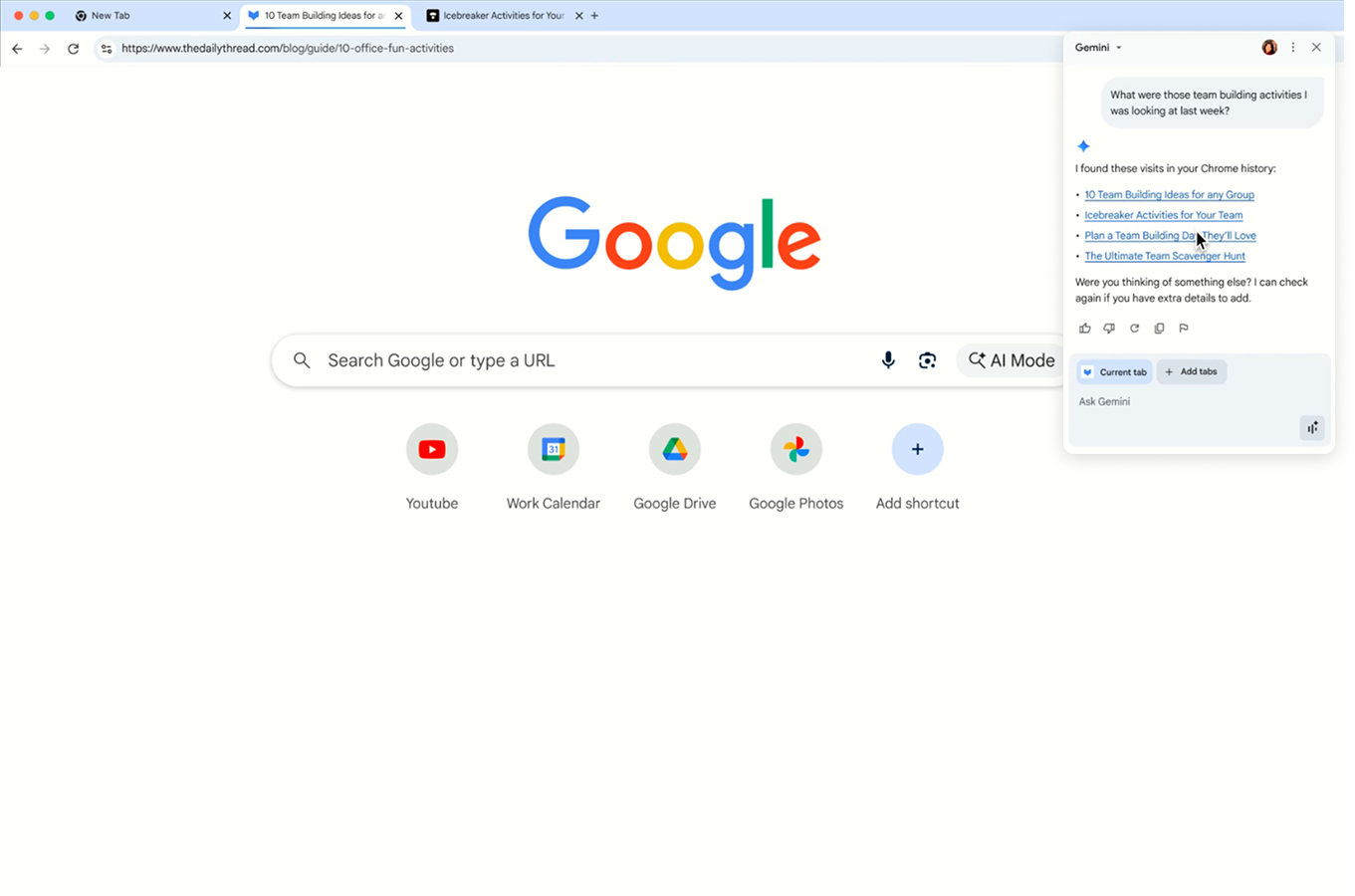
- Resurface previously visited pages: Instead of scrolling endlessly through your browser history, Gemini can help you quickly find a page you visited last week or last month.
For example, if you’re shopping for a mattress online, you can open multiple tabs with different mattress models and let Gemini summarize the features, pros, and cons for you. Or, if you’re planning a vacation, Gemini can combine flight, hotel, and activity details from multiple tabs into one simple itinerary.
3. AI Mode in the Chrome Address Bar
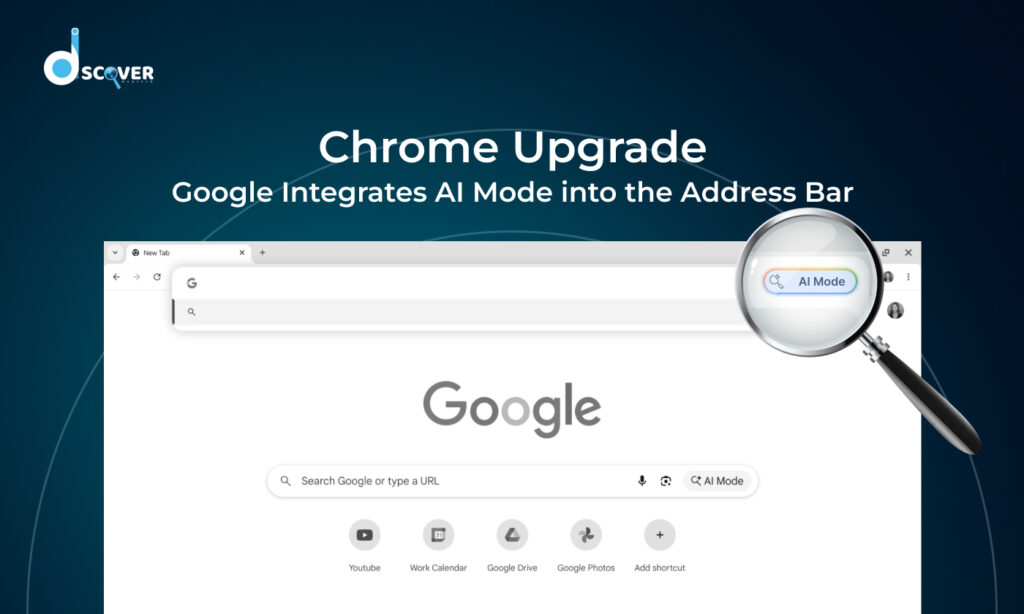
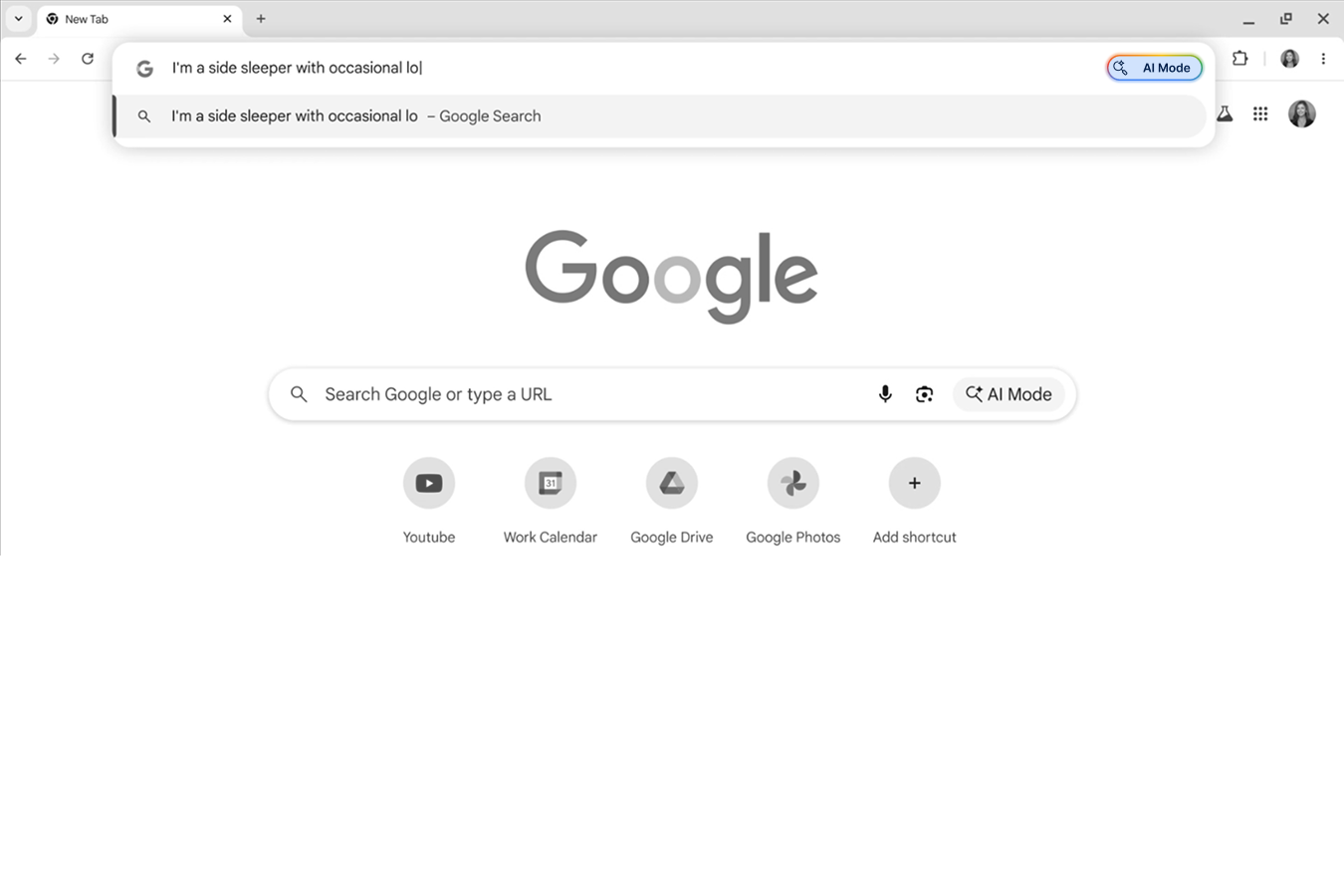
One of the most exciting features of this upgrade is the AI Mode in the Omnibox. The Omnibox is Chrome’s address bar, and now it’s more than just a place to type URLs or search terms.
With AI Mode, you can:
- Ask complex, multi-part questions directly from the address bar.
- Receive context-aware suggestions based on the page you are viewing.
- Ask follow-up questions without having to perform a new search.
For instance, if you are on a product page, you can ask:
- “What’s the warranty policy for this item?”
- “Compare this mattress with others I’ve viewed.”
Chrome will provide answers or suggestions without needing to leave the current page, saving time and making your browsing experience more seamless.
4. Integration with Google Apps
Gemini AI isn’t limited to just web pages, it also works with other Google services to make your workflow smoother. Some examples include:
- Google Calendar: You can schedule meetings or check upcoming events without switching tabs.
- YouTube: Gemini can navigate to specific points in a video if you ask. For instance, if you’re watching a tutorial, you can jump directly to the part you need.
- Google Maps: Gemini can show location details or directions without leaving your current page.
This integration means you can manage multiple tasks without constantly switching between apps, making your online experience more efficient.
5. Agentic Capabilities – Let Chrome Do More for You
Google has also announced agentic capabilities that are coming soon to Gemini AI. These features allow Chrome to perform multi-step tasks on your behalf, while keeping you in control.
For example:
- Booking a haircut or restaurant reservation.
- Ordering groceries online.
- Adding items to your shopping cart and navigating checkout steps.
You can review and approve the final action before it’s completed, which means you stay in control while letting Chrome handle repetitive or time-consuming tasks.
This is a big step towards turning Chrome from a simple browser into a proactive digital assistant.
6. Enhanced Safety Features
Google is also using AI to make Chrome safer than ever. Online scams, phishing attacks, and unwanted notifications are major problems for web users, and Gemini AI is designed to help with these issues.
Some of the safety improvements include:
- Scam and phishing detection: Gemini AI can identify tech support scams, fake viruses, and phishing websites.
- Automatic password updates: If your saved passwords are compromised, Chrome can help you change them in one step on supported websites like Spotify, Duolingo, and H&M.
- Notification filtering: Chrome now identifies spammy or scammy notifications and allows you to unsubscribe or block them.
- Simplified privacy permissions: AI can determine when sites are less trustworthy and present permissions requests in a less intrusive way.
These features have already reduced scammy notifications by billions per day on Android, making Chrome a safer browser for everyone.
7. How Gemini AI Works Across Tabs
One of the most useful features of Gemini AI is its ability to work across multiple open tabs. Traditionally, if you had several tabs open for research, shopping, or planning, you would have to manually switch between them, copy information, and make comparisons. Gemini makes this process much easier.
For instance:
- Planning a vacation: Compare flights, hotels, and attractions across multiple tabs. Gemini can summarize everything into a single, easy-to-read itinerary.
- Shopping online: Compare prices, features, and reviews of products from different sites without constantly clicking between pages.
- Researching information: Pull together details from multiple articles and summarize the key points for you.
This feature saves time and reduces the stress of handling multiple pieces of information manually.
8. Find Previously Visited Pages Easily
Gemini AI will also help you quickly find web pages you visited in the past. Instead of scrolling endlessly through browser history, you can ask Gemini to locate a specific site or article.
For example:
- “Show me the website I saw last week with walnut desks.”
- “What was that blog about back-to-school shopping?”
This feature will be particularly useful for students, researchers, and anyone who frequently revisits websites.
9. Requirements to Use Gemini AI in Chrome
Currently, Gemini AI is available under the following conditions:
- Must be 18 or older and located in the U.S.
- Using a Mac or Windows computer with the latest Chrome version
- Signed in to Chrome (not available in Incognito mode)
- Language set to English (United States)
- Work or school accounts require administrator access
Mobile support for Android and iOS is planned, but the rollout will happen after the desktop version.
10. Final Thoughts
Google’s integration of Gemini AI and AI Mode in the Chrome address bar represents a major shift in web browsing. It’s not just about searching anymore, it’s about getting things done efficiently, safely, and intelligently.
With Gemini AI, Chrome users can:
- Summarize complex information.
- Compare data across multiple tabs.
- Resurface past browsing sessions.
- Interact with Google apps without leaving the page.
- Automate repetitive tasks with agentic capabilities.
- Stay safe from scams, phishing attacks, and unwanted notifications.
Whether you’re a casual internet user, a student, a professional, or an online shopper, these updates will make browsing faster, easier, and smarter. Google is turning Chrome into more than just a browser, it’s now a proactive digital assistant that helps you navigate the web safely and efficiently.
This update marks the biggest change in Chrome’s history, and it’s just the beginning. As Google continues to roll out AI features and agentic capabilities, the browser will continue to evolve, helping users get more done online while reducing stress and saving time.
Check out our latest blog on – “Google AI Overview: Is It Really Changing the Way We Search?”